You have watched the tutorials. You can follow along fine. Then you open a blank file on your own and the confidence disappears. Watching and doing are two different muscles, and most courses only train the first one.
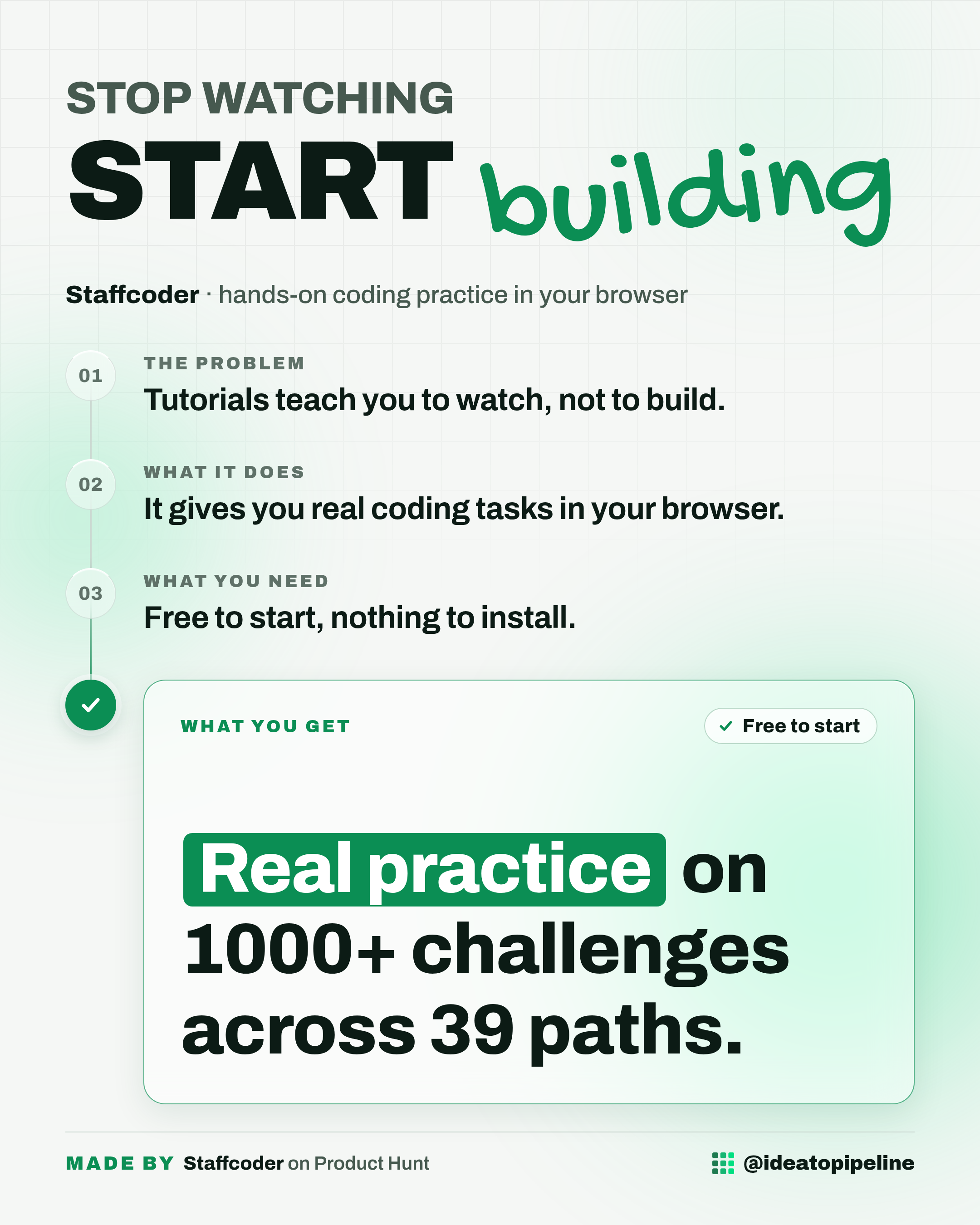
Staffcoder is a place to practice the doing part. It gives you real coding tasks inside a full editor that runs in your browser, so you build something instead of just reading about it. This guide explains what it is, what you can do with it, how to get started, and what it costs.
What Staffcoder is
Staffcoder is a hands-on coding platform where you practice real engineering work instead of algorithm puzzles. That wording comes straight from the people who made it, and it is the clearest way to describe it.
It works like a driving range instead of a lecture hall. You do not sit and listen. You get behind the wheel and do the real work, in a safe place where nothing you break matters.
Every challenge runs in a full browser IDE. IDE stands for integrated development environment, which is just a coding workspace with an editor, a terminal (the text window where you type commands) and a file system. Staffcoder's version also includes a live preview, so you can see what you are building as you build it. There is nothing to install.
What you can do with it
- Pick a stack. A stack is the set of tools a project is built with. Staffcoder covers React, Next.js, Django, Spring Boot, Docker, Kubernetes, AI agents and more.
- Open one of 1000+ challenges across 39 learning paths (the maker's comment says 40+ paths). The topics include frontend, backend, fullstack, mobile, DevOps, data, QA and AI engineering.
- Work inside a full browser IDE with a real terminal, file system and live preview. Each one runs in its own container, which is an isolated space on their servers.
- Follow a path module by module. Every skill is divided into modules, and each module has a video to learn from plus challenges to move you to the next module.
- Use the built-in AI chat to help while you work, since the maker says the IDE includes agentic and AI chat.
How to set it up
Setup here is short, because there is nothing to install. Here are the steps the source describes.
- Create a lifetime free account. The maker says this gives you 1 hour of free usage per week, along with some AI credits to try out.
- Pick a stack, such as React, Next.js, Django, Spring Boot, Docker, Kubernetes or AI agents.
- Open a challenge.
- Solve it in the browser IDE, using the terminal, file system and live preview.
- Move through the module. Each module has a video to learn from and challenges to advance to the next one.
- If you want to finish a module faster, look for the golden challenges. The maker recommends solving those.
That is the whole flow. The work happens in your browser, so a normal computer and a steady internet connection are the main things you need.
What it costs
Staffcoder is free to start. The maker explains the two options in the comments.
The free account is lifetime free and includes 1 hour of usage per week, plus some AI credits to try things out.
Pro plans cost 10 dollars a month, and that includes 1 dollar of AI credits.
One honest note from the source: the maker says the only real limit on the browser setup is container cost, and that cost is on them. That is why the free tier is measured in hours per week rather than unlimited.
Who it's for
Good fit if you learn by doing, you already know some code, and you want practice that behaves like real work rather than quick puzzles. It suits people who want to try a framework like Django or Docker without installing anything on their machine first.
Skip it if you have never written a line of code, since this is practice rather than a first lesson. Skip it too if you are only after quick puzzle-style interview drills, which is the exact thing the maker says Staffcoder is not.
Good to know
The honest catch is the free tier. One hour of usage per week is enough to try a few challenges, but not enough to work through a path at any pace. If you like it, the 10 dollar a month plan is the realistic option for regular practice.
On privacy and your work: each challenge runs in its own container on their side, and the maker says the IDE includes AI chat. The source does not explain what happens to the code you write or what the AI chat does with it, so if that matters to you, check the official page before you rely on it.
The source does not list a full feature list, a refund policy or a cancellation process. Check the official page before you rely on it.
A few things are promised but not yet there. The maker says a compete section and a practice section for more experienced users are coming, and that more Docker and Kubernetes challenges will follow once users finish the current modules. Those are plans, not features you can use today.
Finally, this page found Staffcoder on Product Hunt. It did not build it and did not test it. Everything above comes from the launch page and the maker's own comments, so treat the details as a starting point and confirm anything important on the official site.