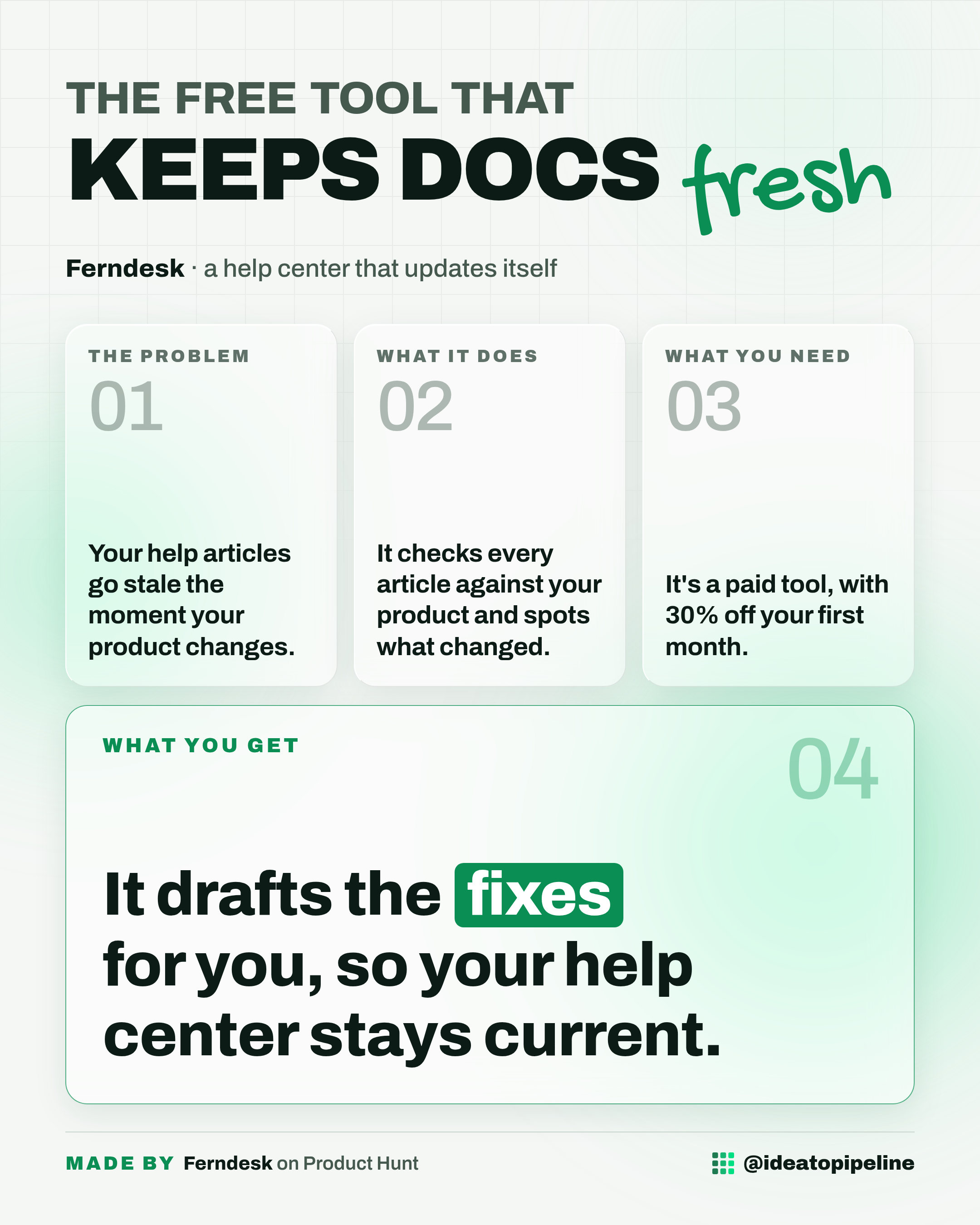
You update your product, and quietly, half your help articles stop being true. Nobody notices until a customer writes in, confused, because the steps you wrote no longer match what they see on screen.
This guide walks through Ferndesk, a help center tool that checks your articles against your product, catches what changed, and drafts the fixes for you. You will see what it does, how teams set it up, what it costs, and who it actually suits.
What Ferndesk is
Ferndesk is a help center, the place where your help articles and FAQs live, with a built-in agent that watches those articles. It compares each one against your current product, spots what has changed, and writes a draft of the fix for you to look over.
It works like a proofreader who always knows your latest version. You still approve the changes, but you are not the one hunting for them.
The company says Ferndesk saves more than 100 software teams between 20 and 50 hours a month on documentation.
What you can do with it
- Run a full help center, since Ferndesk is knowledge base software for customer support and customer communication.
- Let its agent check every article against your product and catch what changed, then draft the fixes for review.
- See the source change behind each suggested article update, so you know why it was flagged.
- Add a chatbot that answers customer questions in natural language, using your own docs.
- Publish a changelog and show it in a widget, so customers can see what is new.
How to set it up
The source does not describe a step-by-step setup for Ferndesk. It shows the product page, the launch details, and the maker's own story, but not a numbered install guide.
What the source does tell you is how the tool is meant to work once you are in. You keep your articles in the help center. Ferndesk's agent reads them, compares them against your product, and drafts updates when something has moved on. You review those drafts before anything goes live.
The maker also mentioned one option worth knowing: if a feature is built but still behind a feature flag, meaning it is in the code but not switched on for customers yet, you can keep those docs unlisted until launch day. Ferndesk will still write the docs based on the code.
If you want the exact steps for your own setup, check the official page before you commit time to it.
What it costs
Ferndesk is a paid tool. The source lists a launch offer of 30% off your first month, and nothing more specific than that.
The source doesn't list a price. Check the official page before you rely on it.
Who it's for
Good fit if you run a help center or FAQ page, your product changes often, and chasing stale articles has become a chore nobody owns.
Skip it if you do not publish help content at all, or if you need a free tool, because this one is paid.
Good to know
Ferndesk launched in 2026 and was listed on Product Hunt this week, where it reached number 2 for the day with 386 points. It has a 5.0 rating from 2 reviews and 473 followers on that page, so the track record is early rather than long.
The maker's own story is the honest pitch here. He shipped product quickly at his last company, his small team never had time to keep the docs current, and the docs became a bottleneck. Ferndesk is his answer to that.
One limitation to keep in mind: the agent drafts the fixes, it does not publish them. Someone still has to review and approve the changes, which is good for accuracy but means it is not fully hands-off.
Ferndesk sits in the same space as tools like Mintlify, GitBook, Slite, Hashnode, and Notice, so if you are already paying for one of those, it is worth comparing before you switch.
You can find Ferndesk on its official page: Ferndesk on Product Hunt.