You are on a call, music is playing in the background, and a browser tab decides to be twice as loud as everything else. On a Mac there is one volume slider for all of it, and no equalizer at all. So your only real option is to turn everything down and hope for the best.
This guide is about SOUND, a free Mac app that gives each app its own volume, its own sound settings and its own speaker. It comes from a launch page on Product Hunt, and everything below is based on what the maker wrote there. You will get a plain description, what you can do with it, the setup steps, the cost, and the honest catch about which Macs it runs on.
What SOUND is
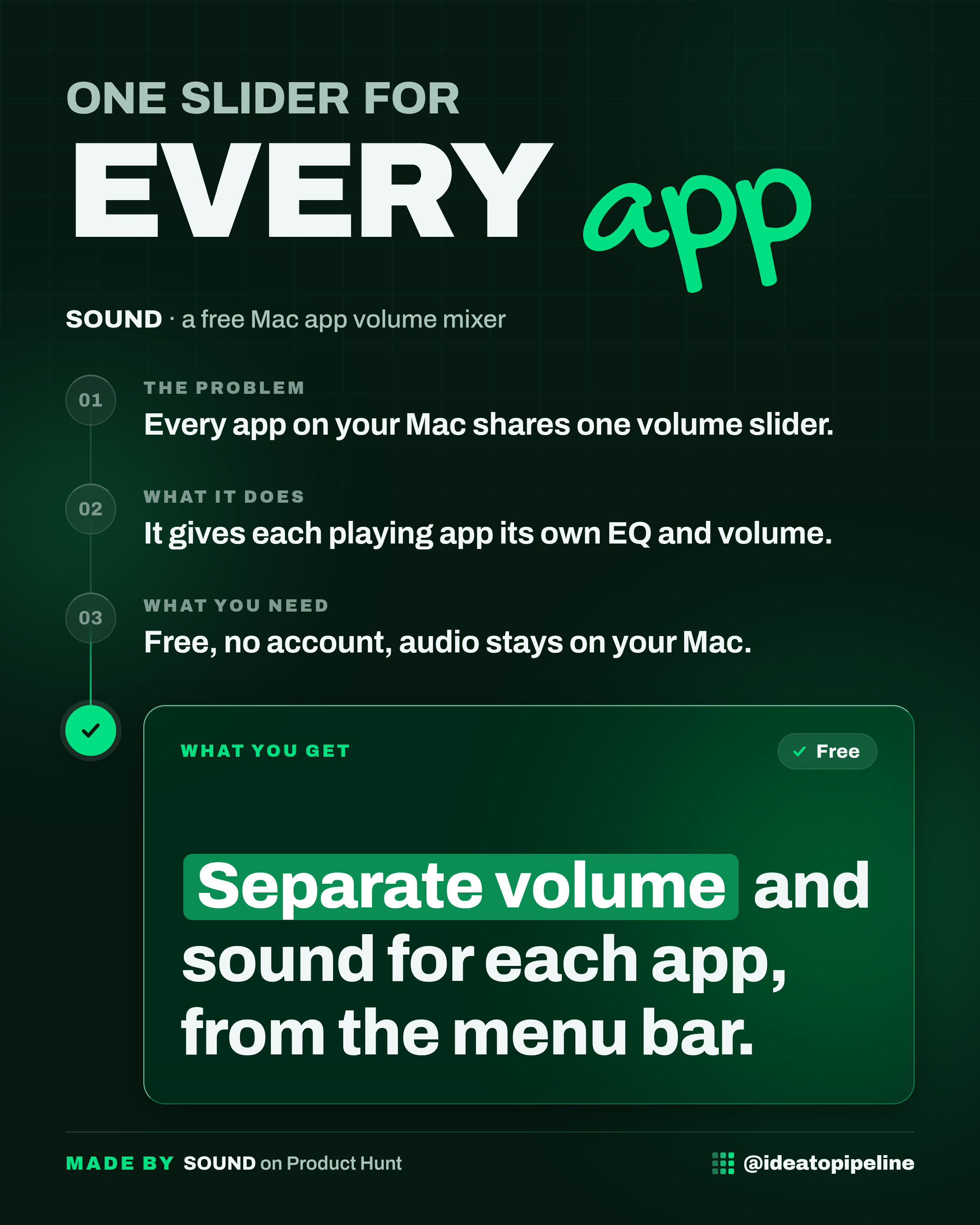
SOUND is a Mac app that lives in your menu bar. Every app that is currently playing sound shows up in it, and each one gets its own volume, its own 8-band equalizer and its own output device.
An equalizer (often shortened to EQ) is a set of sliders that lets you turn specific parts of the sound up or down. Low sliders control the deep, boomy part of the sound. High sliders control the sharp, bright part. SOUND gives you eight of these bands, from 63 Hz to 8 kHz, with a range of plus or minus 12 dB.
It works like giving every app its own little volume knob, tucked away in the top of your screen, instead of one big knob for the whole Mac.
What you can do with it
- Give each playing app its own volume. Music, a call, a video and a browser tab can all sit at different levels at the same time.
- Shape the sound of a single app with its own 8-band EQ. The maker says the original reason for building it was podcasts, where some voices are very bass heavy.
- Send different apps to different speakers. You could pin a call to your speakers while music keeps playing through your headphones.
- Start from six presets instead of adjusting everything by hand: Flat, Reduce Bass, Bass Boost, Vocal, Podcast and Bright.
- Use the System master for anything you have not touched, plus one power toggle that puts every app back to untouched audio.
How to set it up
- Check your Mac first. SOUND needs macOS 26. If you are on an older version, it will not run, and the maker says that is a deliberate trade-off rather than a bug.
- Install it from the Mac App Store. The maker points to the Mac App Store listing as the place to get it.
- Open the app and give it system audio permission when asked. This is a one-time request from macOS. It is the gate the system uses to let an app read another app's audio so it can be equalized.
- Play something. Apps that are currently playing sound will appear in SOUND with their own controls.
- Adjust each app. Set the volume, move the eight EQ sliders, and choose which output device that app should use.
- Leave the rest alone, or use the System master. Anything you have not touched follows the master level until you change it.
There is nothing else to install. The maker is clear that SOUND uses no virtual audio driver, no kernel extension and no fake output device, so there is nothing extra sitting on your Mac afterwards and nothing to uninstall later.
What it costs
SOUND is free. The launch page lists it as free, and the maker says it is free and available in 10 languages.
It follows your system language, so you do not pick a language yourself. If anything about pricing or availability changes after launch, check the official page before you rely on it.
Who it's for
Good fit if you work on a Mac with calls, music and videos open at once, and you are tired of one slider dragging everything up or down together. It is also a good fit if a particular app on your Mac just sounds wrong to you, too boomy or too harsh, and you want to fix that one app without touching the rest.
Skip it if you are not on a Mac, if your Mac is not on macOS 26, or if you are perfectly happy with one volume slider for everything. Also skip it if you would rather not grant an app permission to read system audio, even though the maker says the processing happens locally.
Good to know
SOUND asks for system audio permission once. The maker states that nothing is recorded, stored or uploaded, that the processing happens locally in real time, and that there is no account and no server to send anything to. That is the maker's description of how it works, not something tested here.
The macOS 26 requirement is the main catch. It is what lets SOUND work without a virtual audio driver, but it also means older Macs cannot run it at all. The maker acknowledges this openly and says other tools exist for earlier versions.
The page also lists similar products, including eqMac, Sleeve, Loopback and Boom 3D for Mac, so there are alternatives if SOUND does not fit your setup.
For the full details and the current download link, see the official page: SOUND on Product Hunt.