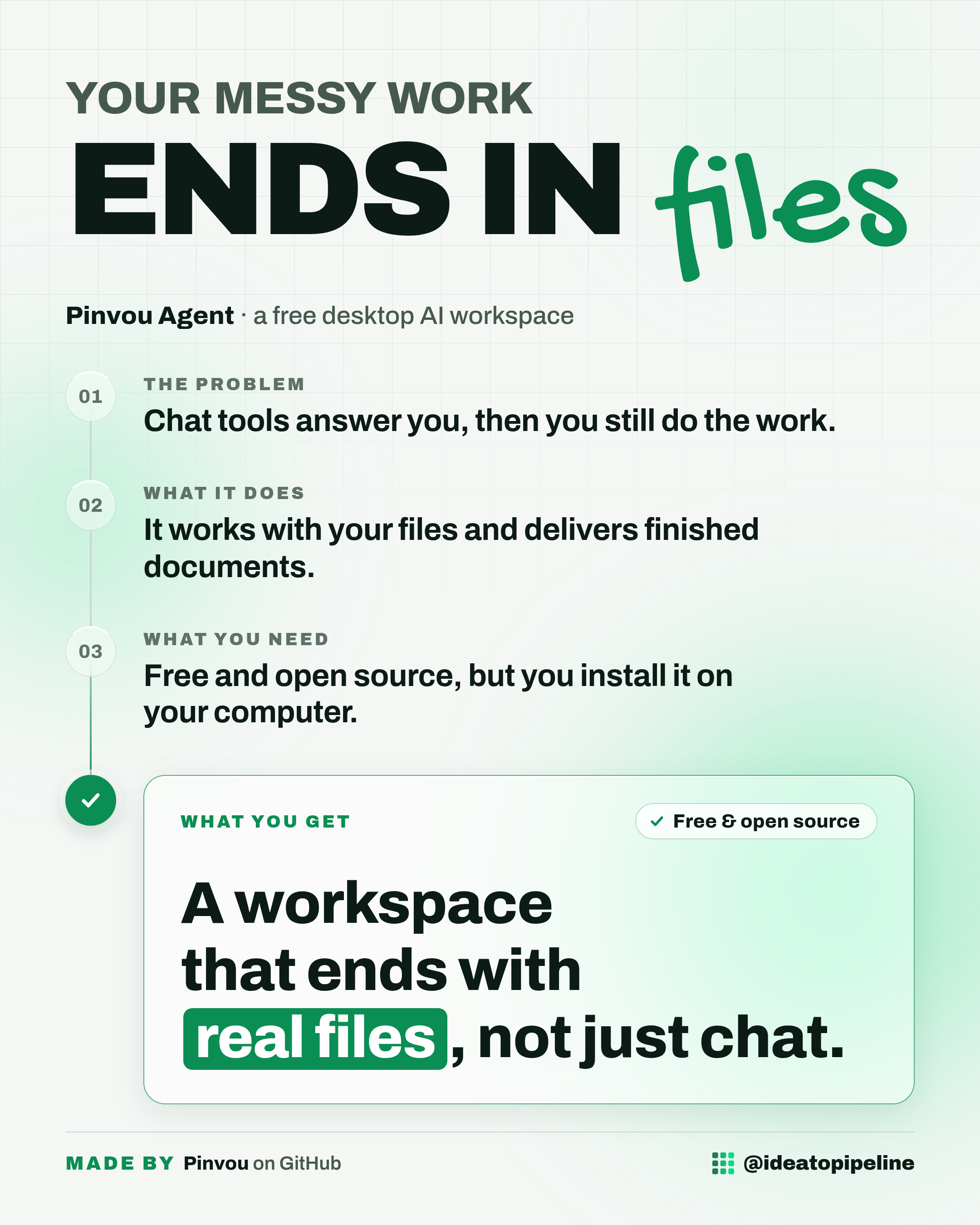
You ask a chat tool for help, it writes a lovely answer, and you still have to build the actual thing yourself. The text sits in one tab, your files sit in another, and nothing quite joins up.
This guide is about Pinvou Agent, an open-source desktop workspace where the assistant, your files and your saved notes all live in one place. Below you will find what it does, how to set it up, and who it is really for.
What Pinvou Agent is
Pinvou Agent is an open-source desktop AI agent workspace for work, design, and coding. It is built for tasks that should end with a result, not just another chat response.
It supports Linux, Windows and macOS.
What you can do with it
- Give the agent a real task. You can attach PDFs, Office documents, images and text files by dragging, dropping or pasting them in, and it can research, analyse, write and hand back reusable files.
- Create visuals from a prompt. You can make posters and data visualisations in natural language, then open the result in design mode and adjust copy, fonts, colours, dimensions and layout, or keep describing changes and let the agent iterate.
- Bring a coding agent into a real project. Codex, Claude Code or Kimi can work through ACP in the same workspace, reading and editing a real project or an isolated temporary workspace, running commands, and showing plans, tool steps, permission requests and file changes.
- Build up personal knowledge. There is a local knowledge base with file management, full-text and vector retrieval, and a memory centre that captures long-term preferences and context with explicit candidate review and confirmation.
- Connect real tools. A unified tool store covers local MCP servers, remote MCP servers, CLI tools and API connectors, with OAuth or SSO authorisation where supported, so there is no manual key pasting.
How to set it up
The source describes running it from source. This is a technical setup: it involves a terminal (the text command window on your computer), installing software, and a few commands. If that is not your world, ask a developer or a technically confident friend to help, and stay with them while they do it.
- Install the prerequisites. You need Git with submodule support, Node.js and npm, a current Rust toolchain, and the Tauri 2 system dependencies for your platform. You also need an accessible OpenAI-compatible model endpoint.
- Clone the repository with its submodules. In a terminal, run: git clone --recursive https://github.com/Pinvou/pinvou-agent.git
- Move into the app folder and install the JavaScript packages. Run: cd pinvou-agent/pinvou3-app and then npm ci
- Go back up one level. Run: cd ..
- Start the app in development mode. Run: ./pinvou3-app/run-dev.sh
If you cloned it without the submodules, the source says to run this instead: git submodule update --init --recursive
The source notes that updates come via GitHub Releases, and that in-app update checks are not enabled yet, so you would check for new versions yourself.
Who it's for
Good fit if your work ends in a document, a poster, a report or a piece of code, and you want the assistant and your files in one place. It suits people who are comfortable installing desktop software, or who have someone technical nearby.
Skip it if you only want quick chat answers. This is a desktop app you install, and setup takes some effort. If a browser chat window already does everything you need, this is more than you are asking for.
Good to know
Privacy depends on your choices. A local model with local tools stays fully local. Cloud models, remote MCP servers and third-party connectors send the relevant requests to their respective services.
A few practical details. Sessions, settings, knowledge and runtime extensions all live under a folder called ~/.pinvou3/. File parsing for PDF, Office, OCR and archives relies on optional external tools you install through your platform's package manager. Linux release packages target Ubuntu 22.04 or newer on x86_64 and arm64, and macOS builds are universal for macOS 11 or later.
The project is under active development, and the source says the main branch and the latest release notes are the source of truth for current behaviour.
You can find it here: Pinvou Agent on GitHub.