If LinkedIn is where your customers hang out, it can quietly take over your week. You write a post, hunt for the right people to connect with, send messages, then try to remember who you still need to follow up with.
Bearconnect is a tool that puts that work in one place, with AI doing part of it. This guide explains what it is, what it does, how setup works, what it costs, and whether it fits how you work.
What Bearconnect is
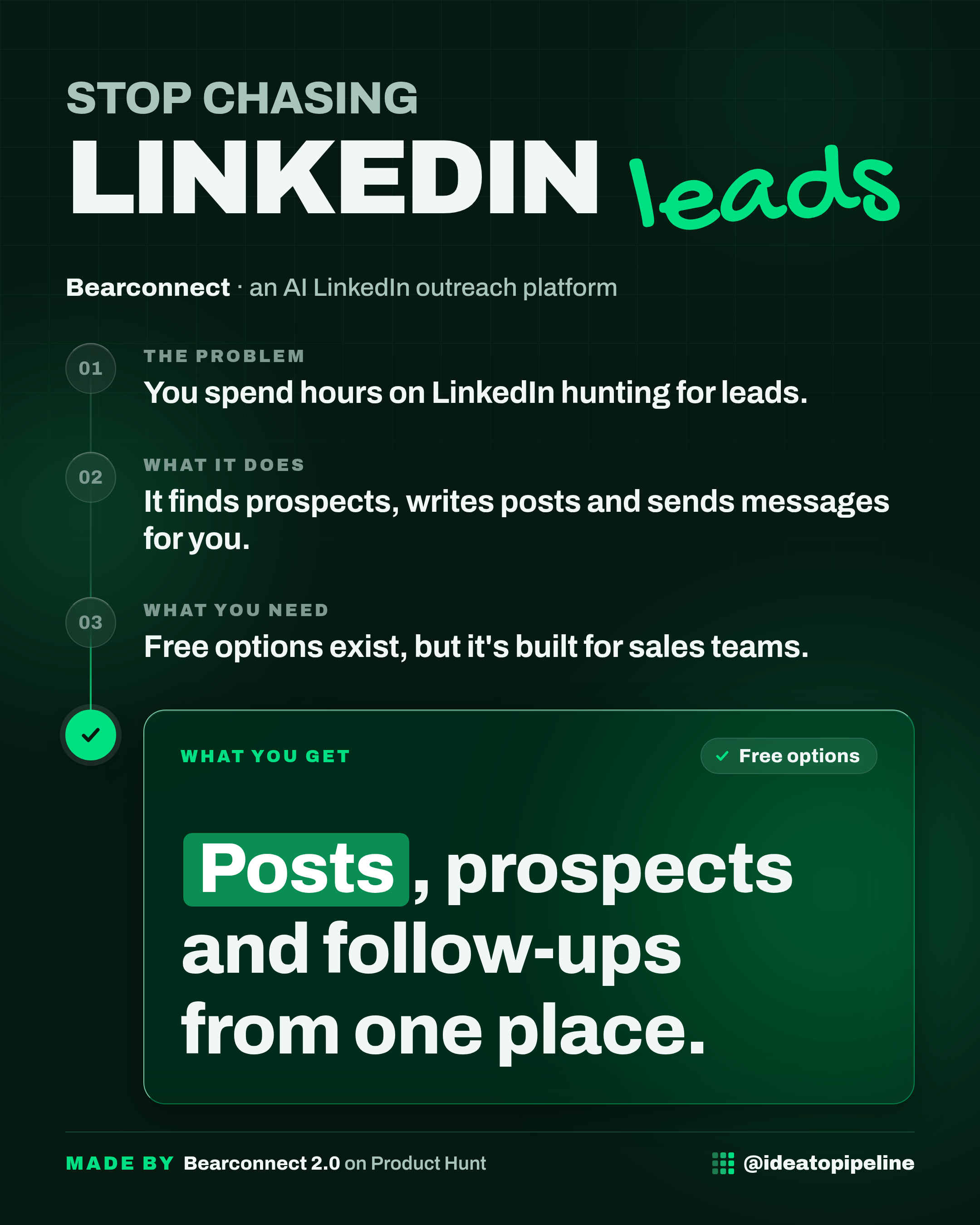
Bearconnect is an AI-powered LinkedIn platform for inbound and outbound. In plain words, it is one place to create and schedule your LinkedIn posts, find prospects, and send connection requests, messages and follow-ups.
It works like a sales assistant who sits inside LinkedIn all day: helping you publish, spotting people worth talking to, and keeping the conversation moving so you do not have to remember every next step.
The source shows a launch in 2025 and lists a Bearconnect 2.0 launch on Product Hunt. It sits in the categories of automation tools, lead generation software and AI sales tools.
What you can do with it
- Create and schedule posts. You can write your LinkedIn content and plan when it goes out, instead of posting whenever you find a free minute.
- Find prospects. The tool is built to help you locate people worth reaching out to, rather than scrolling and guessing.
- Send connection requests. Outreach starts with the request, and the platform handles that step for you.
- Send messages and follow-ups. After the request, you can keep the conversation going, including the follow-ups most of us forget.
- Keep it all in one place. Content, prospecting and outreach live together, so you are not juggling several tabs and a notebook.
Bearconnect describes itself as covering both inbound and outbound. Inbound means people coming to you, usually through your posts. Outbound means you going to them, through requests and messages. Having both in one tool is the main idea behind it.
How to set it up
The source does not describe a step-by-step setup process. It lists the product, its categories and its launches, but it does not walk through connecting an account, building a prospect list or sending a first campaign.
So here is the honest version: the exact steps are not published in the source this guide is based on. Rather than invent buttons and menu names, here is what to do instead.
- Open the official page and follow the link to the Bearconnect website.
- Look for the sign-up or early access option on the site.
- Read whatever onboarding steps the site gives you before connecting anything.
- Check what it asks for before you start, such as your LinkedIn account details and any limits on how many requests or messages it will send.
One thing worth knowing before you start: tools that send connection requests and messages on your behalf usually need access to your LinkedIn account. Treat that as a real decision, not a formality. Read what the tool asks for, and check that the way it sends messages fits LinkedIn's own rules. If anything about the access request is unclear, ask someone technical you trust before you connect an account you rely on.
What it costs
The source doesn't list a price. Check the official page before you rely on it.
Before you commit, look for what a paid plan includes, whether there is a free trial, and whether there is a limit on how many prospects or messages you get. None of that is stated in the source, so treat any number you see elsewhere as something to confirm on the official page.
Who it's for
Good fit if you sell or build an audience on LinkedIn and want your posting, prospecting and outreach in one place. It suits people who already know LinkedIn works for them and want to stop doing the repetitive parts by hand.
Skip it if LinkedIn is not where your customers are. Also skip it if you would rather keep every message personal and manual. Automating outreach only helps when the messages still sound like you, and some businesses would rather write each one themselves.
Good to know
Bearconnect is new. The source shows a first launch in 2025 and a 2.0 launch, and at the time of writing the Product Hunt page shows no reviews yet. That does not make it good or bad, but it does mean there is little independent feedback to lean on. Try it on a small scale first.
Automated outreach carries a reputation risk. If messages go out fast and generic, people notice, and it can hurt the very relationships you are trying to build. Whatever the tool sends, keep the words human and the volume modest.
Access to your LinkedIn account is the big one. Any tool that sends requests and messages for you needs that access. Read the permissions carefully and know how to switch it off if you change your mind.
Finally, the source does not say which LinkedIn plan you need, how many messages it can send, or what happens to your data. Ask those questions directly before you rely on it for real pipeline.
A free habit that works with or without a tool: before you message anyone, leave a real comment on their last post. A genuine comment tends to get more replies than a cold request, and it costs you nothing but a minute.