You gave an AI coding agent your shell, your keys and your repo. It ran commands you never watched. Most people never check what it actually did, and that is where the worry starts.
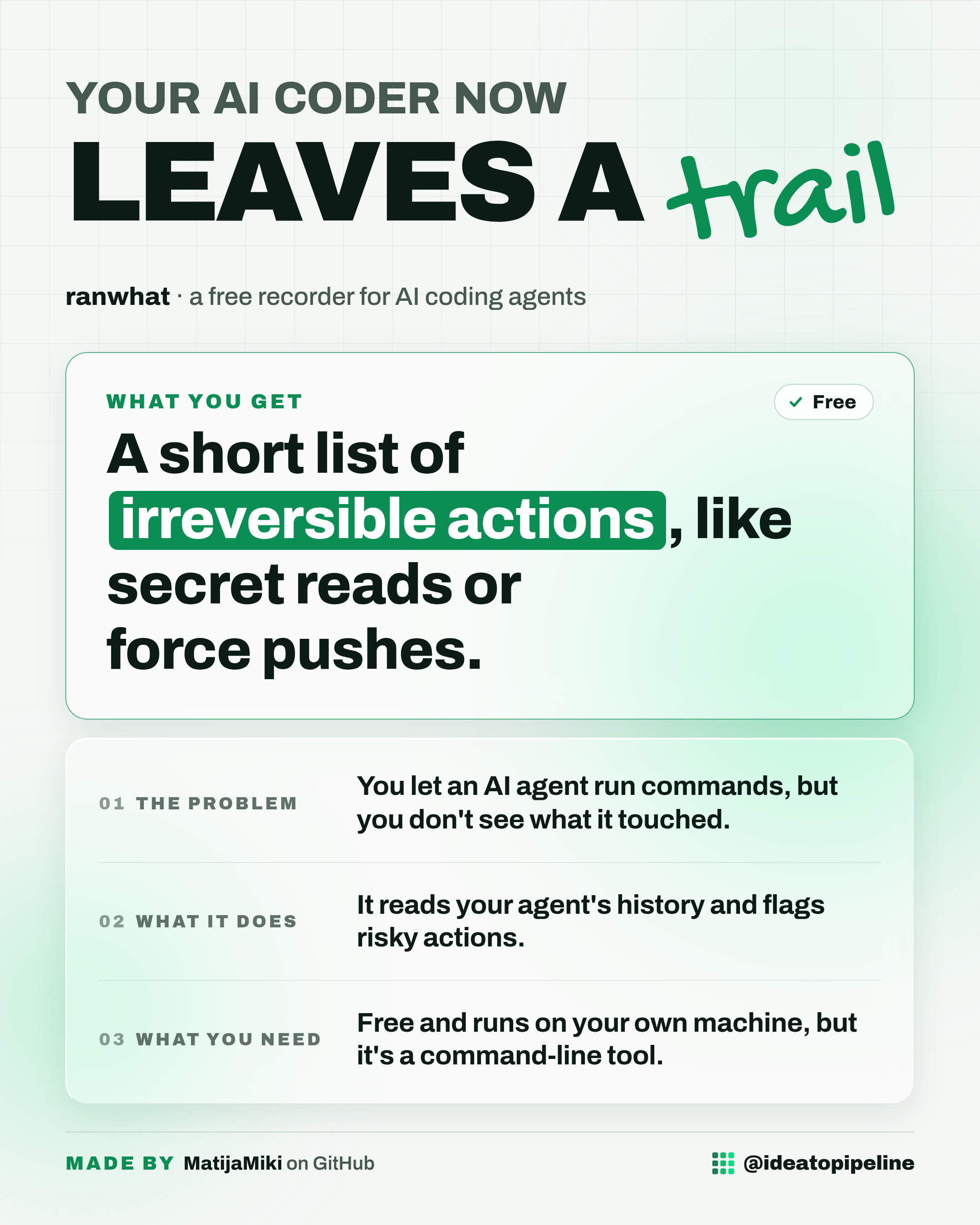
This guide covers ranwhat, a free tool that reads the history your coding agents already keep on your disk. It shows you the risky things they ran and any secrets sitting in those logs. You will see what it does, how to set it up, what it costs and who it suits.
What ranwhat is
ranwhat checks whether any of your secrets have leaked into your agents' history, and where. It also checks whether your agent ran anything sketchy, like reading your SSH key, force-pushing, piping a script from the internet into a shell, or publishing a package.
It reads the history that Claude Code and twenty-nine other coding agents already keep on your disk, including Codex, Gemini CLI, Cursor and GitHub Copilot. It is open source under the MIT licence, runs locally, and has no dependencies. No account is needed and there is no telemetry, which means it does not send usage data anywhere.
What you can do with it
- See the risky things your agents ran in the last 30 days, listed with the command and a short explanation of why it matters. You can look further back with an option the source shows as
--days 365. - Find secrets in your agents' transcripts and see where each one was found, such as a Stripe live secret key read from an
api/.envfile. - Walk through the secrets it found with
ranwhat clean. You can mask the ones in plain transcript files, see what to rotate, and open each provider's page to do it. - Ask Claude Code to check with you before a high-risk command runs, using an opt-in hook that the source shows as
ranwhat hook install. - Run the check in CI, the automated build step many teams use, so it can fail the job when it finds something. The source lists a GitHub Action for this.
How to set it up
The setup happens in a terminal, the text window where you type commands instead of clicking. If that is not your world, ask a developer friend or your IT person to sit with you. The steps below are the ones the source describes.
- Try it once without installing anything. The source gives the command
uvx ranwhat check. This runs the tool straight away. - To keep it, install it one of three ways:
pip install ranwhat,uv tool install ranwhat, orbrew install MatijaMiki/ranwhat/ranwhat. It needs Python 3.9 or later. - Run the check with
ranwhat check. It changes none of your files. It lists the risky things your agents ran in the last 30 days, plus the secrets it finds in those transcripts and where each one was found. Add--days 365to look further back. - Run
ranwhat cleanto walk through the secrets it found. You can mask the ones in plain transcript files, see what to rotate, and open each provider's page to do it. - If you want Claude Code to ask you before a high-risk command runs, install the opt-in hook with
ranwhat hook install.
One thing the source is clear about: masking stops a key leaking a second time, but it does not un-leak it. So rotate the key. Agents that keep a database, like Cursor, are only read, and the tool tells you how to remove the secret there.
What it costs
Everything that runs on your machine is free and stays free.
There is a paid plan called Plus at €12 a month per organisation. It covers the things that need a server: findings from all your machines and CI runners in one place (the source shows this as ranwhat push), CI tokens and teammates on your account, and a catalogue of what each token scope allows, kept up to date.
Who it's for
Good fit if you let an AI coding agent touch real code and you want to know what it did, especially if you have keys, secret files or a live repo in reach of that agent.
Skip it if you do not use a coding agent, or if typing commands in a terminal is not something you want to take on.
Good to know
This is a tool for checking history after the fact, not a wall that stops your agent. The hook is opt-in and the source only describes it for Claude Code.
The check looks back 30 days by default, so older activity needs the longer window. Masking a secret in a transcript does not undo the exposure. If the agent read a file that holds secrets, the source notes that whatever it read is now in a model context you do not control. Rotating the key is the real fix.
It runs locally with no account and no telemetry, and it is open source under the MIT licence. For the full command list, the rules and exactly what goes online, the source points to the project's reference docs on GitHub.
If a step feels beyond you, a developer can run these commands in a few minutes.